
Facebook Video Downloader
Retatube Facebook Video Downloader is an online tool that allows users to download videos directly from Facebook using a simple video link. The tool is designed to provide fast processing speeds and reliable performance, helping users save public Facebook videos in high quality for offline viewing or personal reference.
Facebook Video Downloader – Online Tool to Download Facebook Videos on PC
1. Introduction
Facebook is currently one of the largest content-sharing platforms in the world, where users frequently consume videos in many formats such as post videos, tutorial videos, educational content, and Facebook Reels. In many situations, users need to download Facebook videos for offline viewing, personal reference, or study purposes.
However, Facebook does not provide a built-in option to download videos directly to a computer. This is why online tools like Facebook Video Downloader exist, allowing users to download Facebook video online quickly and conveniently via a web browser. Among these tools, Facebook Video Downloader on retatube.info is designed as a simple, browser-based solution that does not require software installation or account login.
2. What Is Facebook Video Downloader?
Facebook Video Downloader is an online tool that allows users to download Facebook videos by using the URL of a public video. The tool works directly in a web browser, making it suitable for PC users who want a fast and straightforward solution without installing third-party applications or extensions.
Key characteristics include:
-
Fully web-based (online tool)
-
No app or extension installation required
-
No Facebook login needed
-
Supports public Facebook videos only
Thanks to this approach, users can perform Facebook video download online in a flexible and accessible way, which is especially suitable for technology blogs and online tool websites.
3. Main Features of Facebook Video Downloader
3.1 Download Facebook Videos in Different Qualities
The tool supports downloading Facebook videos in common quality options such as SD or HD, depending on the original source. Users can choose the video quality that best fits their storage needs or internet connection.
3.2 Support for Facebook Reels and Public Videos
In addition to standard Facebook post videos, Facebook Video Downloader can process:
-
Public post videos
-
Facebook Reels
-
Videos shared from fan pages or public profiles
This expands the range of content that users can download Facebook video from.
3.3 Works Across Multiple Devices
Although optimized for PC usage, the tool can also be accessed on other devices through a web browser, as long as the video link is valid.
3.4 Simple and User-Friendly Interface
The interface is designed with simplicity in mind:
-
A single input box for the video link
-
A processing button
-
Clear download options
This layout ensures that even first-time users can complete the process easily without technical knowledge.
4. How to Use Facebook Video Downloader
Using Facebook Video Downloader involves a few clear steps:
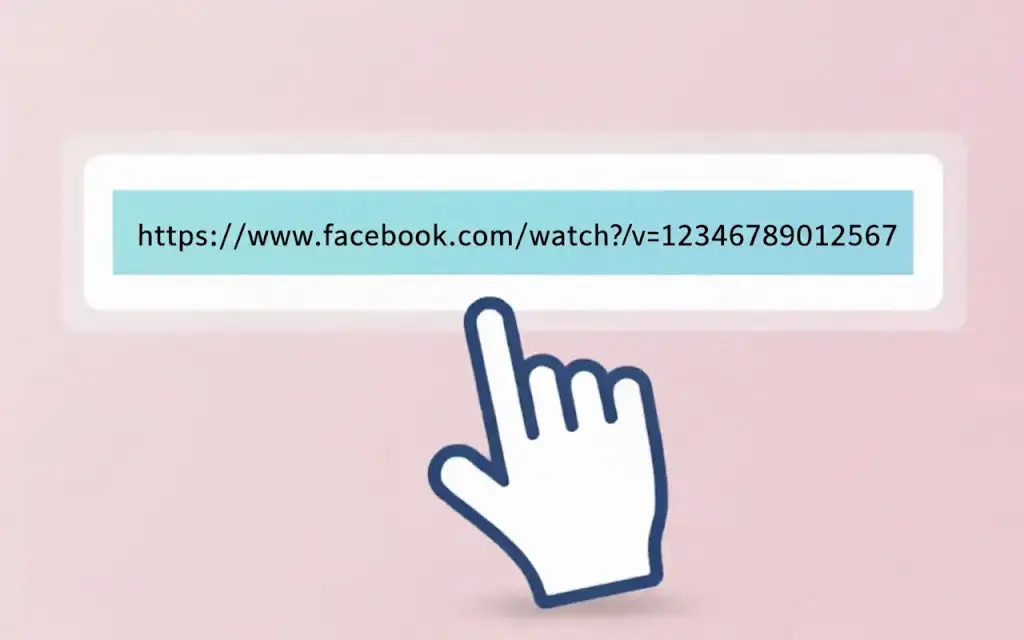
Step 1: Copy the Facebook Video Link
-
Open a public Facebook video
-
Select “Copy link” from the menu
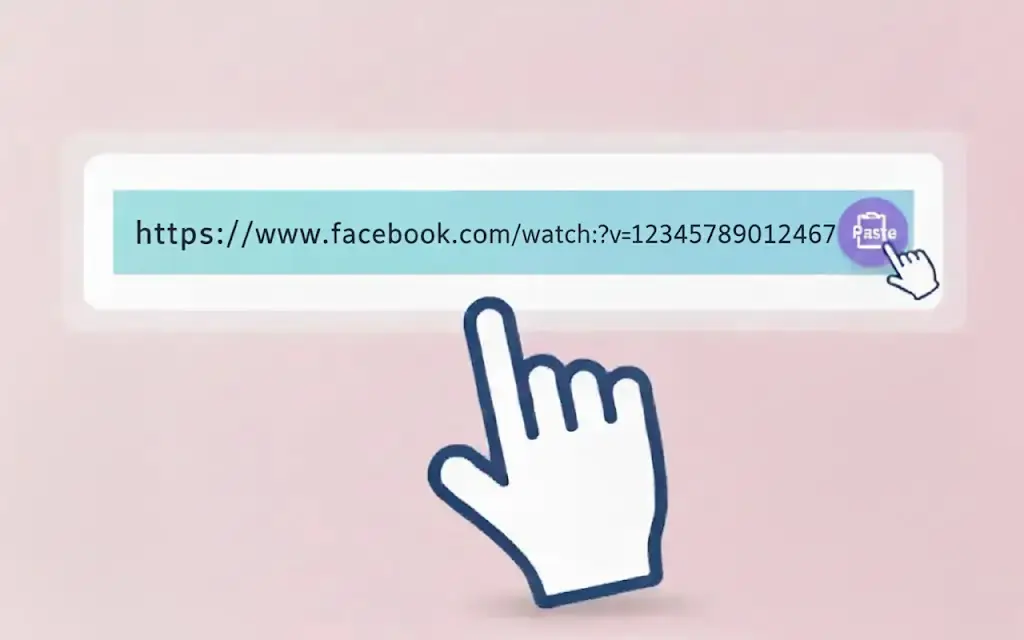
Step 2: Paste the Link into the Tool
-
Visit the Facebook Video Downloader website
-
Paste the video URL into the input field
Step 3: Choose Quality and Download
-
Wait for the system to process the link
-
Select the desired video quality
-
Download the video to your device

The entire download Facebook video process happens directly in the browser without login or verification.
5. Advantages of Facebook Video Downloader
Compared to many similar tools, Facebook Video Downloader offers several practical advantages:
-
Free to use, no account required
-
No watermark (if the original video does not contain one)
-
No strict download limits under normal usage
-
Fast processing speed, depending mainly on internet connection and video length
These features make the tool suitable for personal users, students, and content editors who need to save Facebook videos for reference.
6. Compatibility
6.1 Supported Browsers
Facebook Video Downloader works smoothly on popular browsers such as:
-
Google Chrome
-
Mozilla Firefox
-
Microsoft Edge
-
Safari (latest versions)
6.2 Supported Operating Systems
The tool can be used on:
-
Windows (PC, laptop)
-
Android (mobile browsers)
-
iOS (Safari or other browsers)
Thanks to its web-based design, users are not restricted by operating system when performing a Facebook video download online.
7. Security & Privacy
Facebook Video Downloader focuses on user privacy and transparency:
-
Videos are not permanently stored on the server
-
No personal data is collected
-
No Facebook login is required
Users should note that download Facebook video functionality is intended for personal, educational, or lawful reference purposes. Responsibility for content usage lies with the user.
8. Disclaimer / Fair Use
-
Facebook Video Downloader supports public videos only
-
The tool does not encourage or support downloading private videos
-
Users must respect copyright laws and Facebook’s terms of service
-
Downloaded content should be used in compliance with applicable regulations
The tool is provided for technical assistance purposes and is not intended to facilitate copyright infringement.
9. Frequently Asked Questions (FAQ)
Is Facebook Video Downloader free?
Yes. The tool is available for free and does not require registration.
Can it download private Facebook videos?
No. Only public videos are supported.
Do I need to log in to Facebook?
No. You only need a public video link.
Does the tool support mobile devices?
Yes, it can be used on mobile browsers, though the experience is optimized for PC.
Conclusion
Facebook Video Downloader is a practical solution for users who need to download Facebook video online without installing software. With a simple workflow, browser-based operation, and a focus on privacy, the tool is suitable for online tool websites, technology blogs, and personal users who want to save Facebook videos for offline viewing or lawful reference.
When using Facebook Video Downloader, users should always respect copyright regulations and Facebook policies to ensure safe and sustainable usage.